Make more of your photos.
Film scan edges, clean borders, collages and contact sheets for the photos already on your iPhone.

 Coming soon
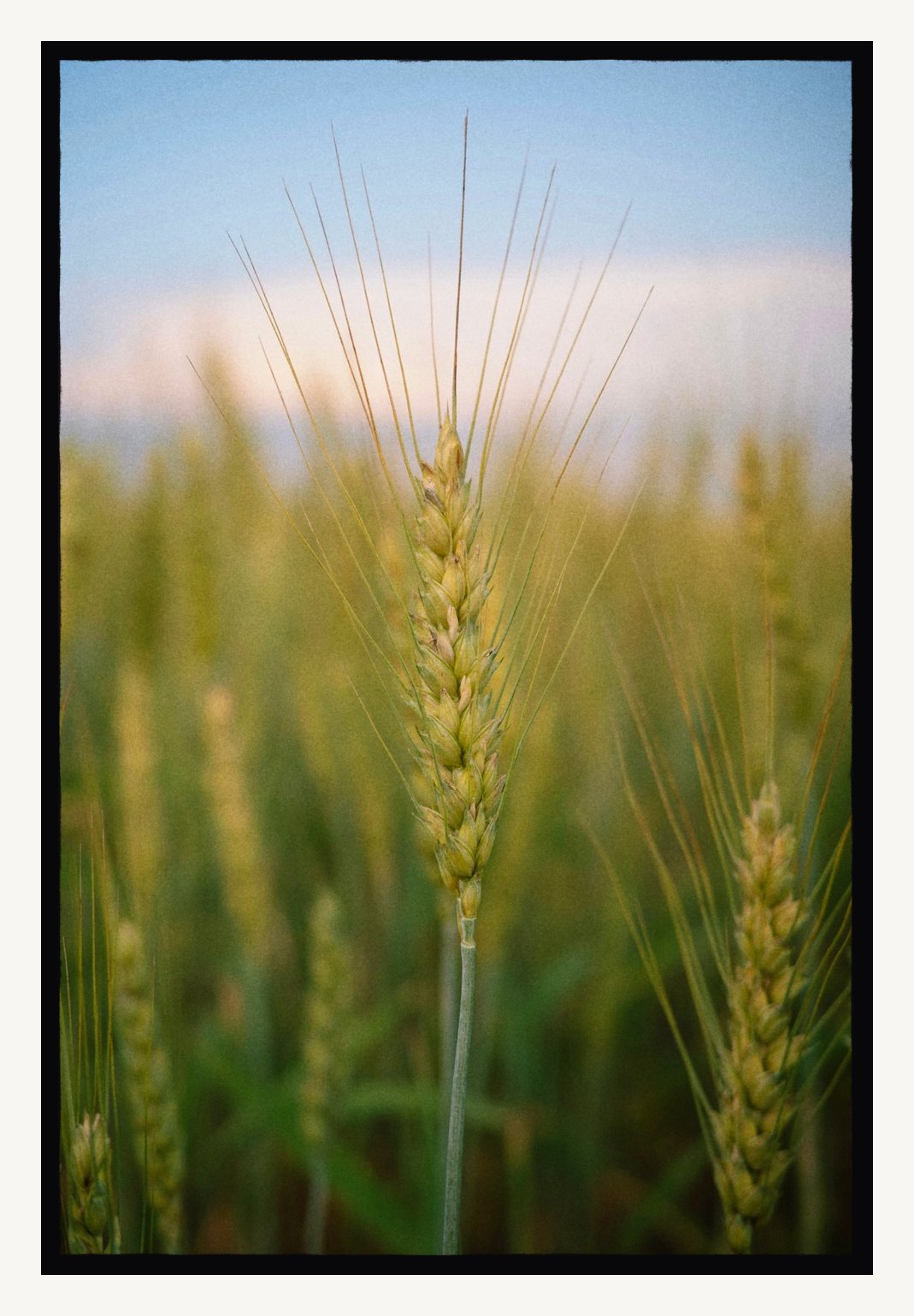
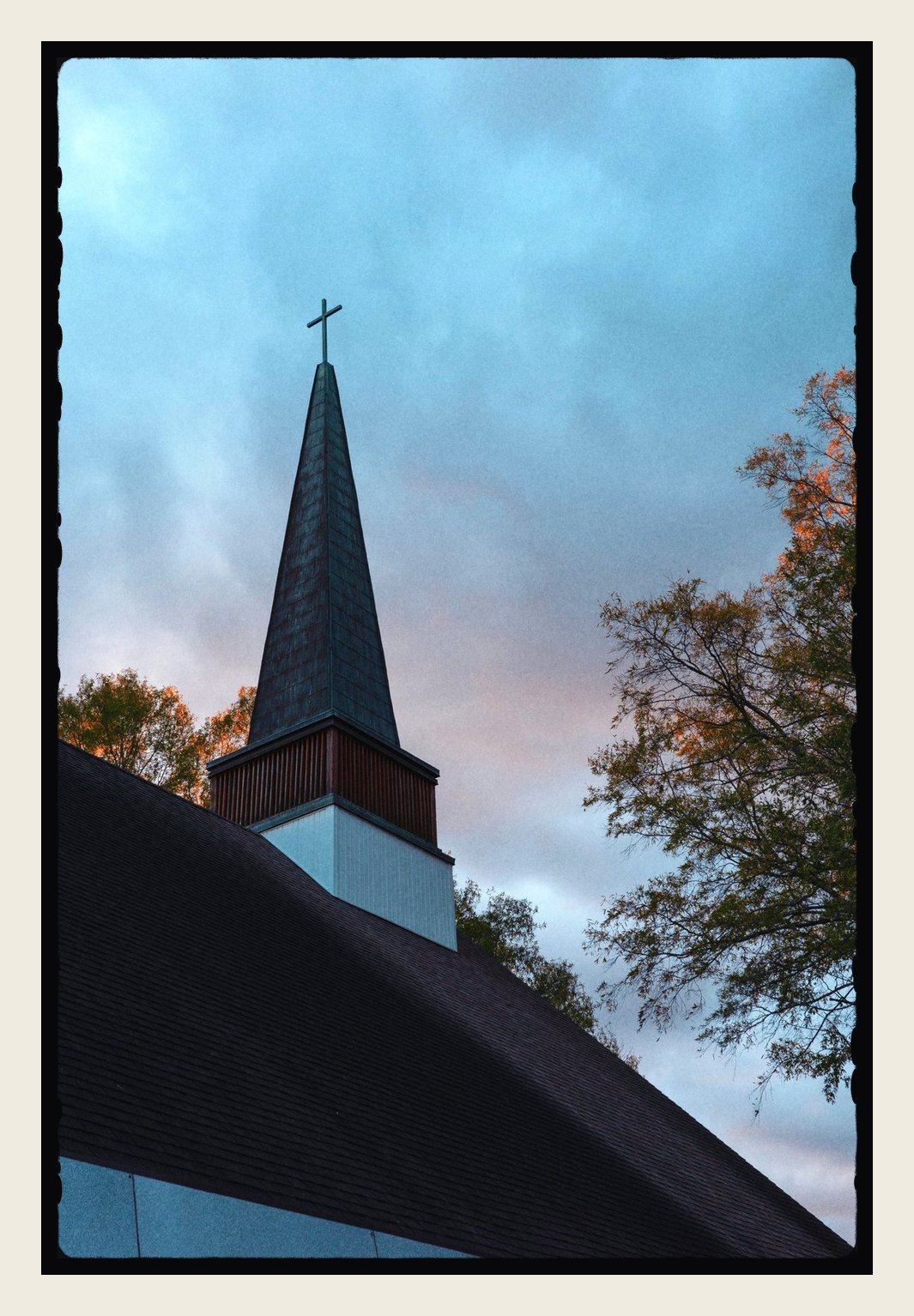
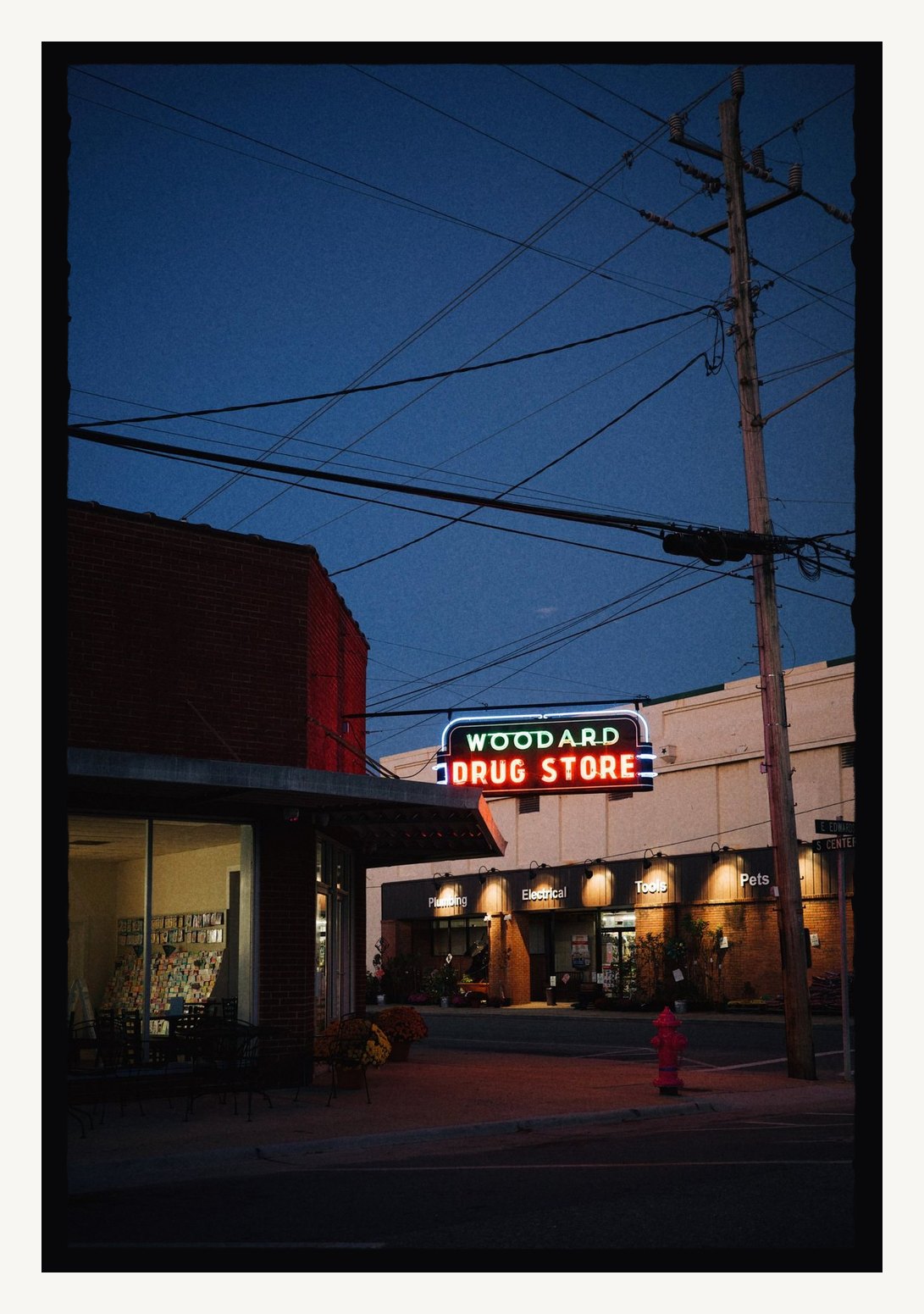
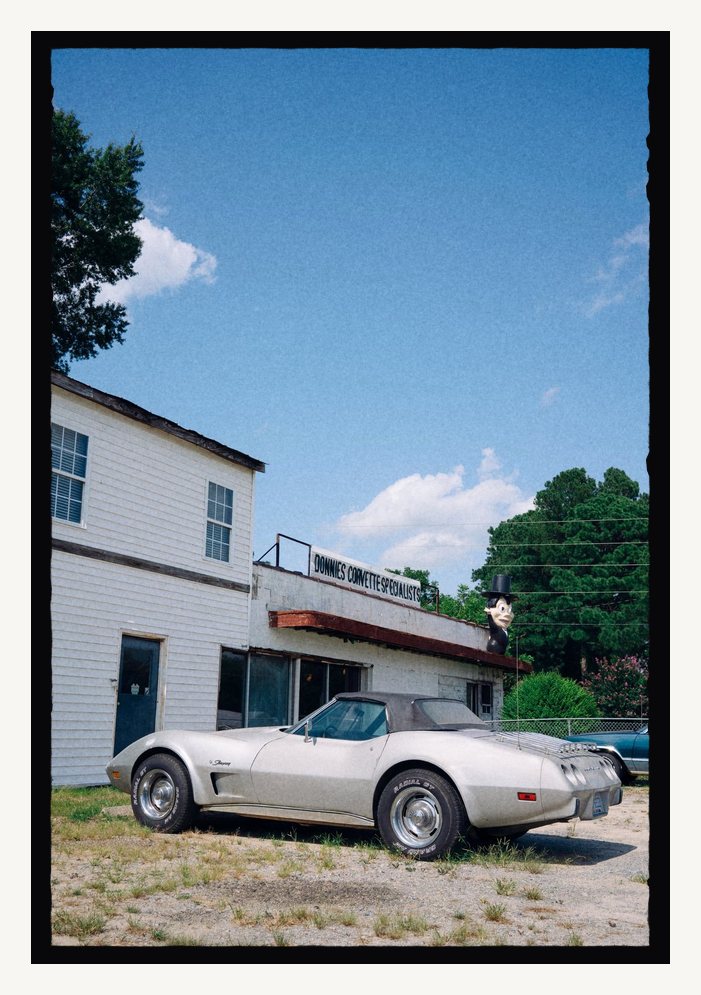
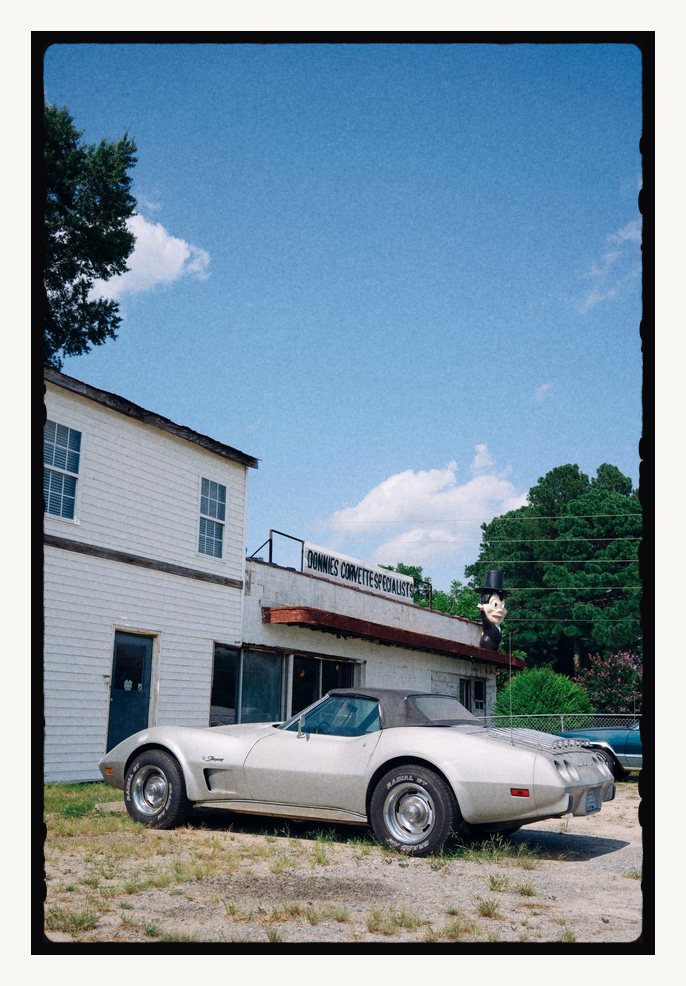
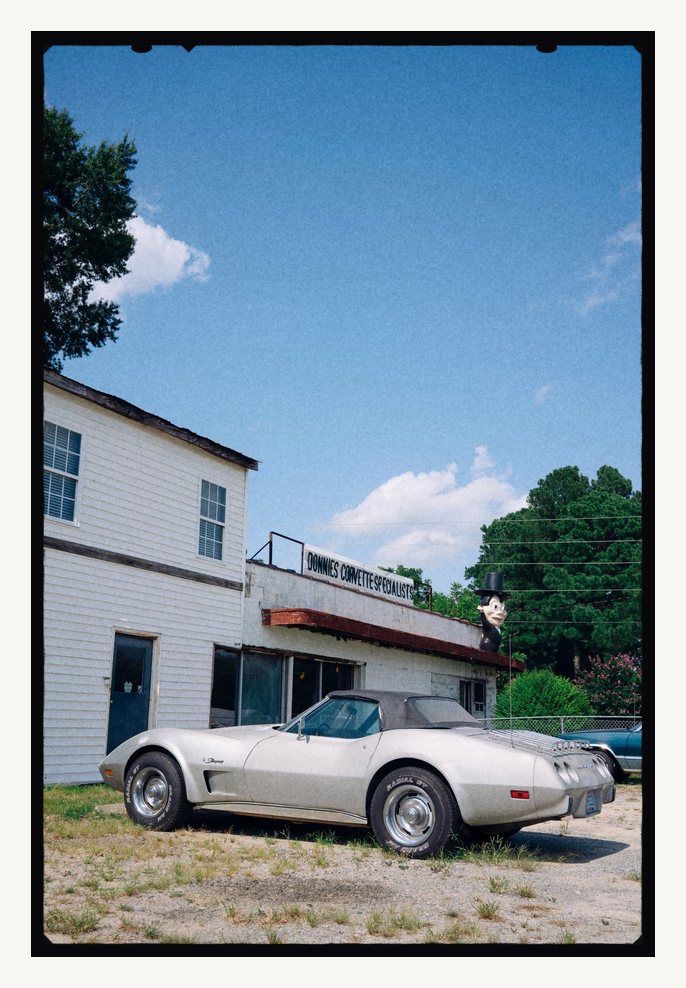
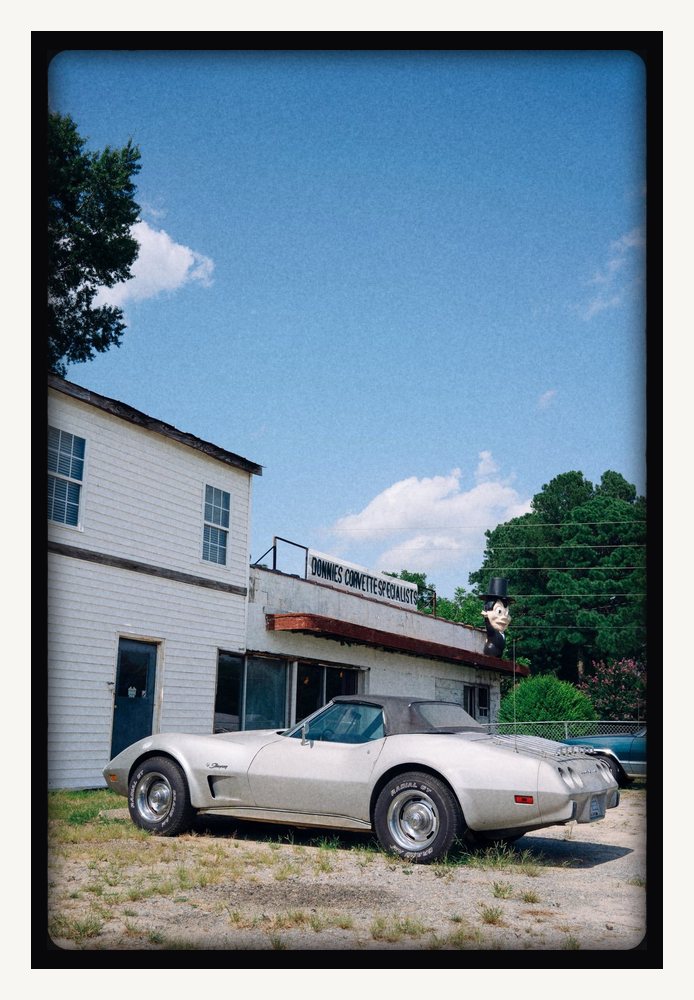
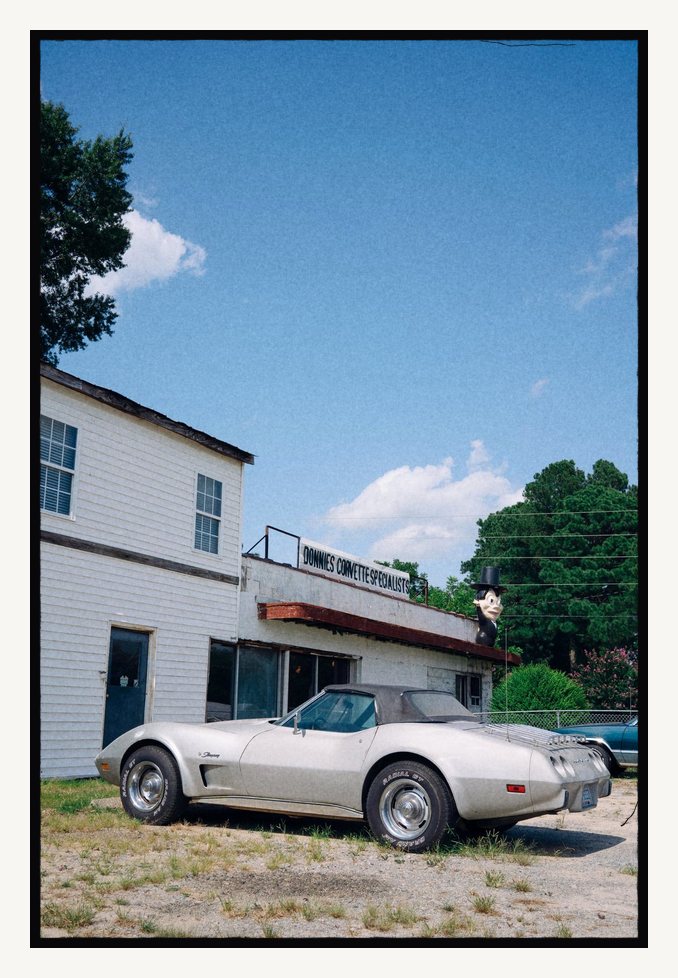
Edges that look scanned at any size.
Each edge is drawn the way a negative carrier prints, with a crisp line and a fine creep of silver grain along it. They stay thin so the photo keeps the attention.
Tap Shuffle for a new variation of the same style, or Random to try a different one. Keep the ones you like, and make a fresh batch of twelve whenever you want more.
- Gate
- Slide
- Medium
- Sheet
- Contact
- Finder
- Carrier
- Filed
- Lantern
- Notched
- Ground Glass
- Hairline
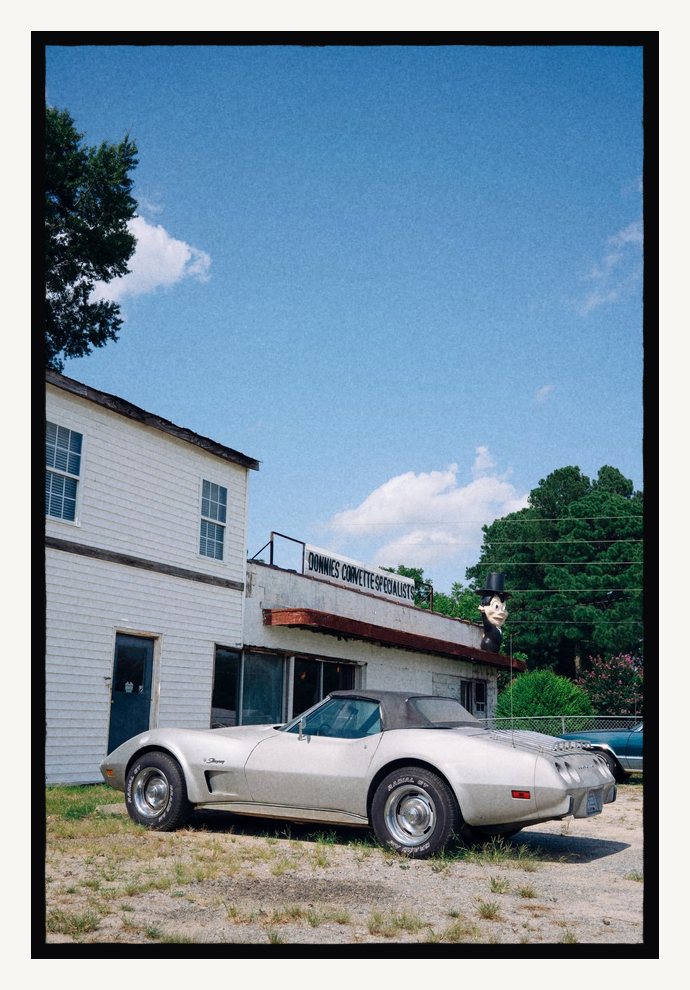
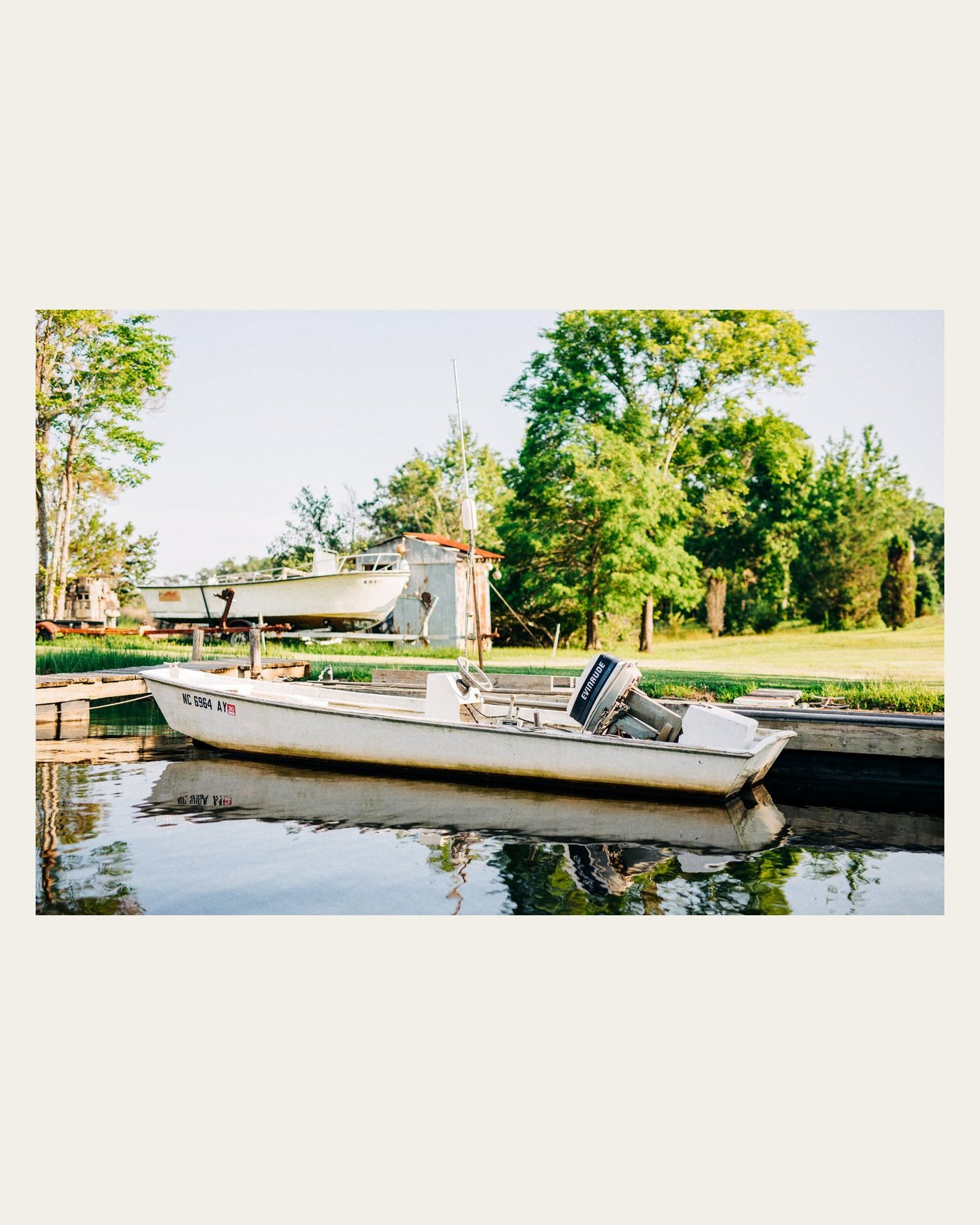
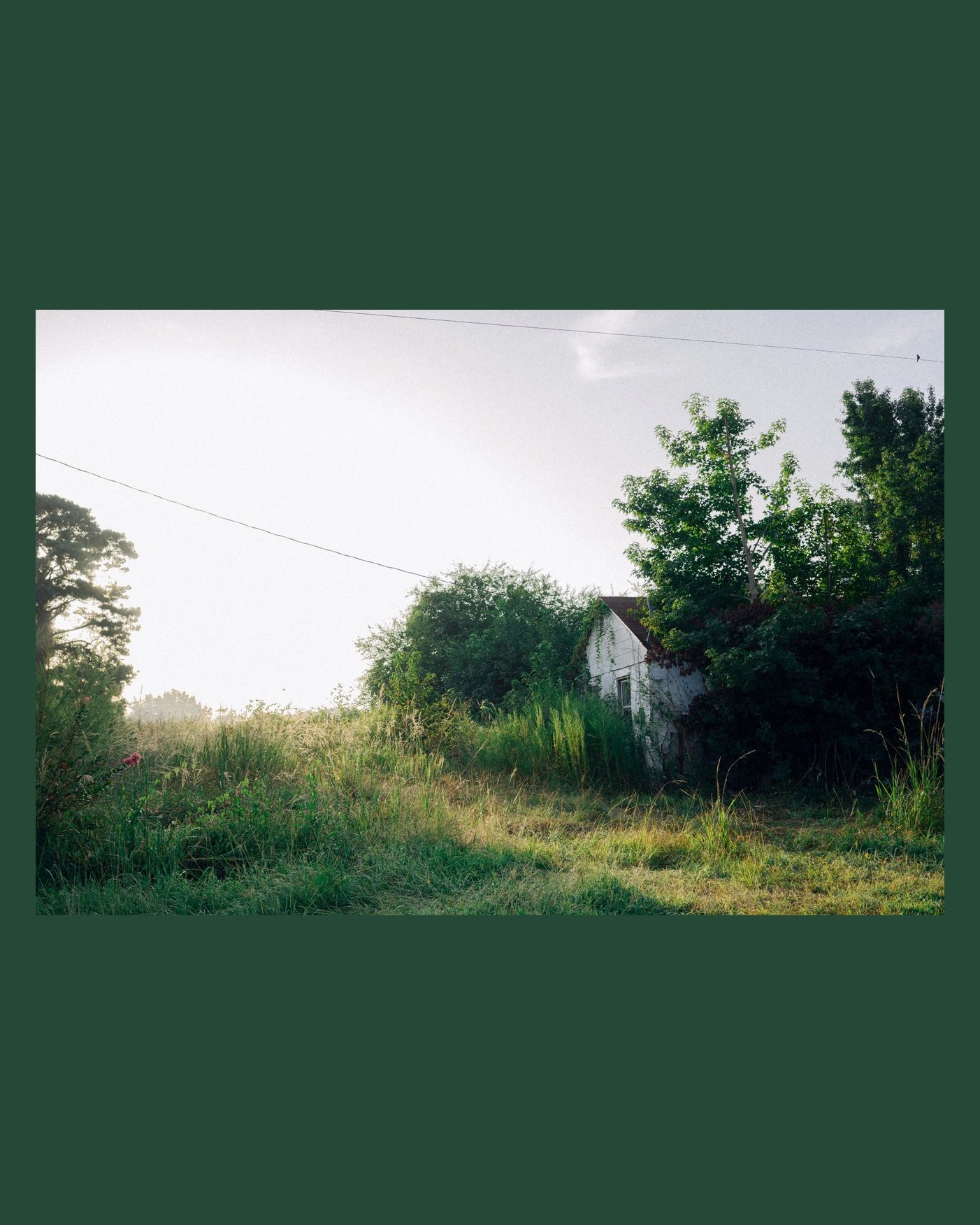
Any ratio, any color.
Put a photo on a 4:5 post, a 9:16 story or a square without cropping it. Pick a border from the presets, a custom color, or one pulled straight from the photo.
- Original
- 1:1
- 4:5
- 9:16
- 2:3
- 3:2
- 16:9
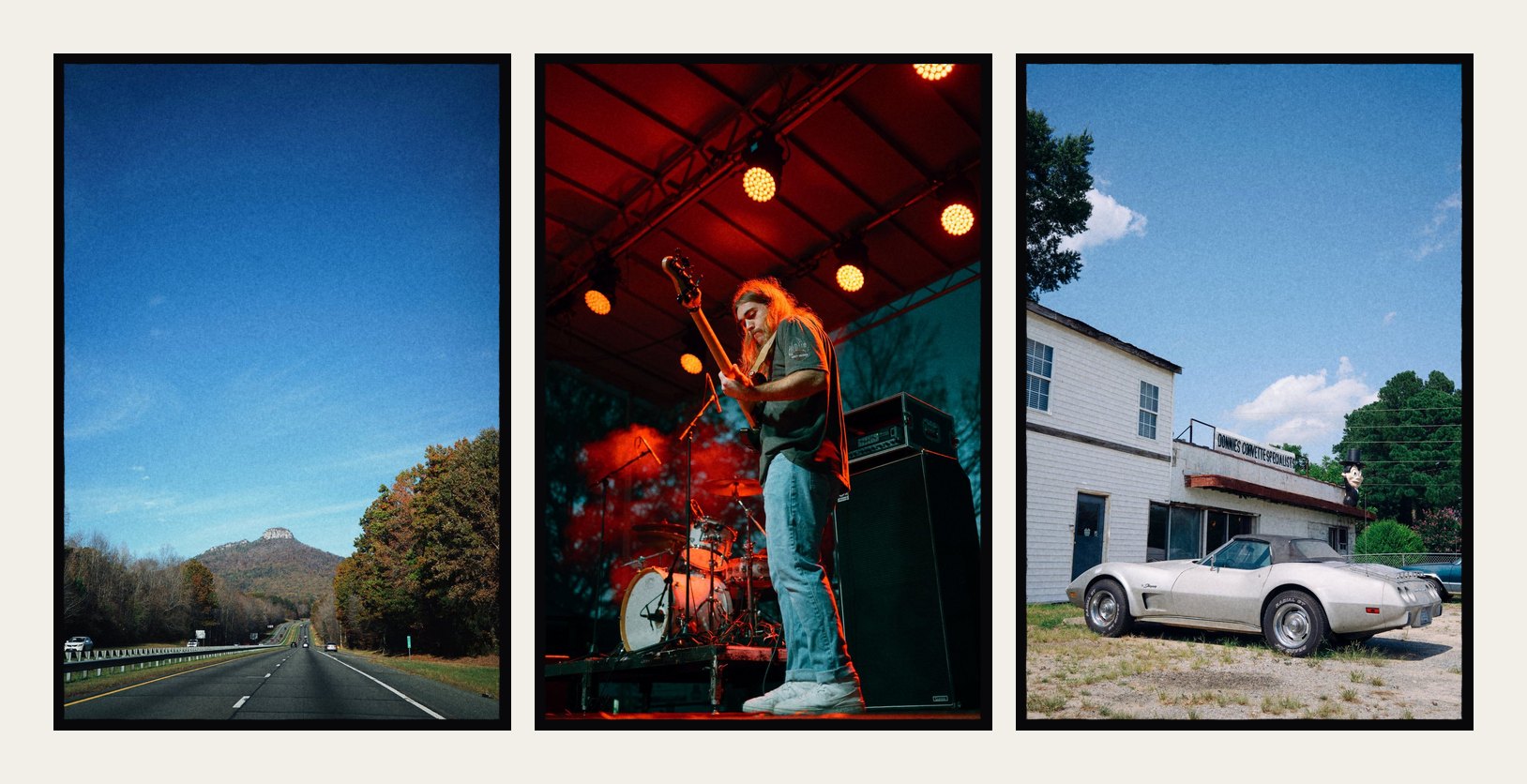
A few favorites, one layout.
Diptychs and triptychs with matching edges on any background, plus mosaic, grid and strip layouts. Tap two photos to swap them, or Shuffle for a new arrangement.
- Mosaic
- Grid
- Strip
- Diptych
- Triptych
Your roll, printed and marked up.
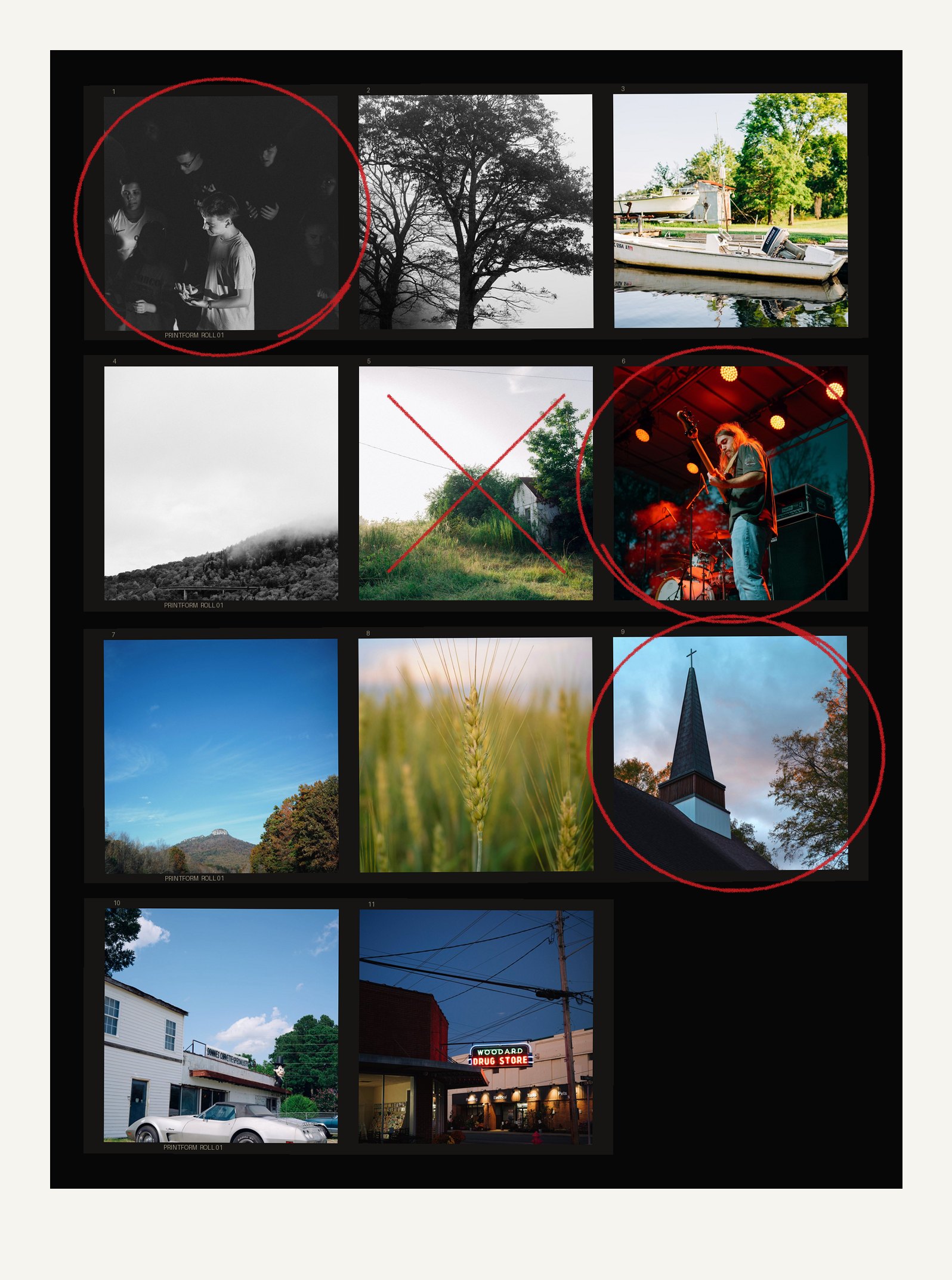
Lay out a whole roll as a 35mm or 120 contact sheet, with sprocket holes, edge numbers and strips that sit a little crooked. Tap a frame to circle a keeper, tap again to cross it out, or draw with the grease pencil.
Export it at the sheet's own size, or center it on a 4:5 or 9:16 canvas for a post.
Grain modeled on real film.
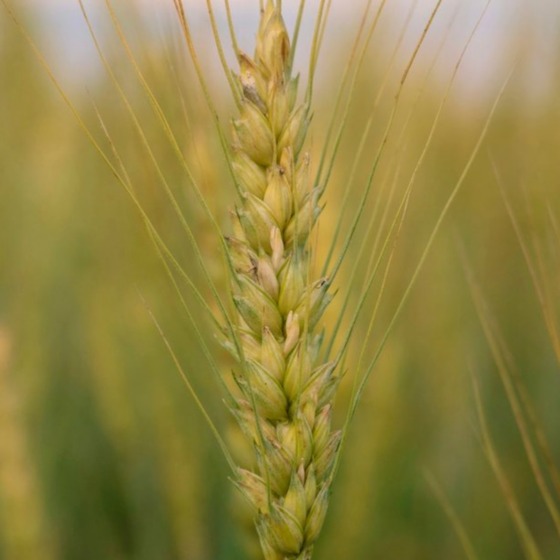
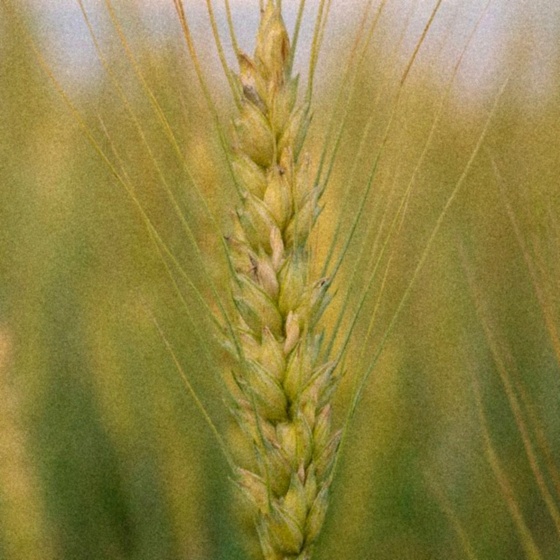
Printform's grain follows how silver grains actually build up on film, so it's strongest in the midtones and fades out of deep shadows and bright highlights. Drag across the photo to compare.
Add dust and scratches, sharpening, and a red halation glow around highlights. The Look you set carries across every mode.
 BeforeGrain
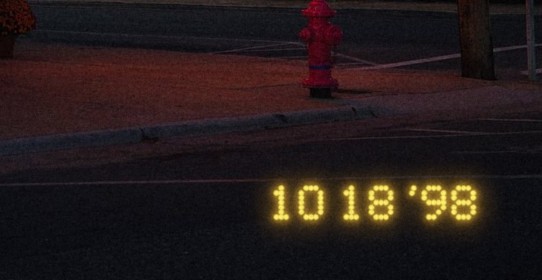
That '98 point-and-shoot glow.
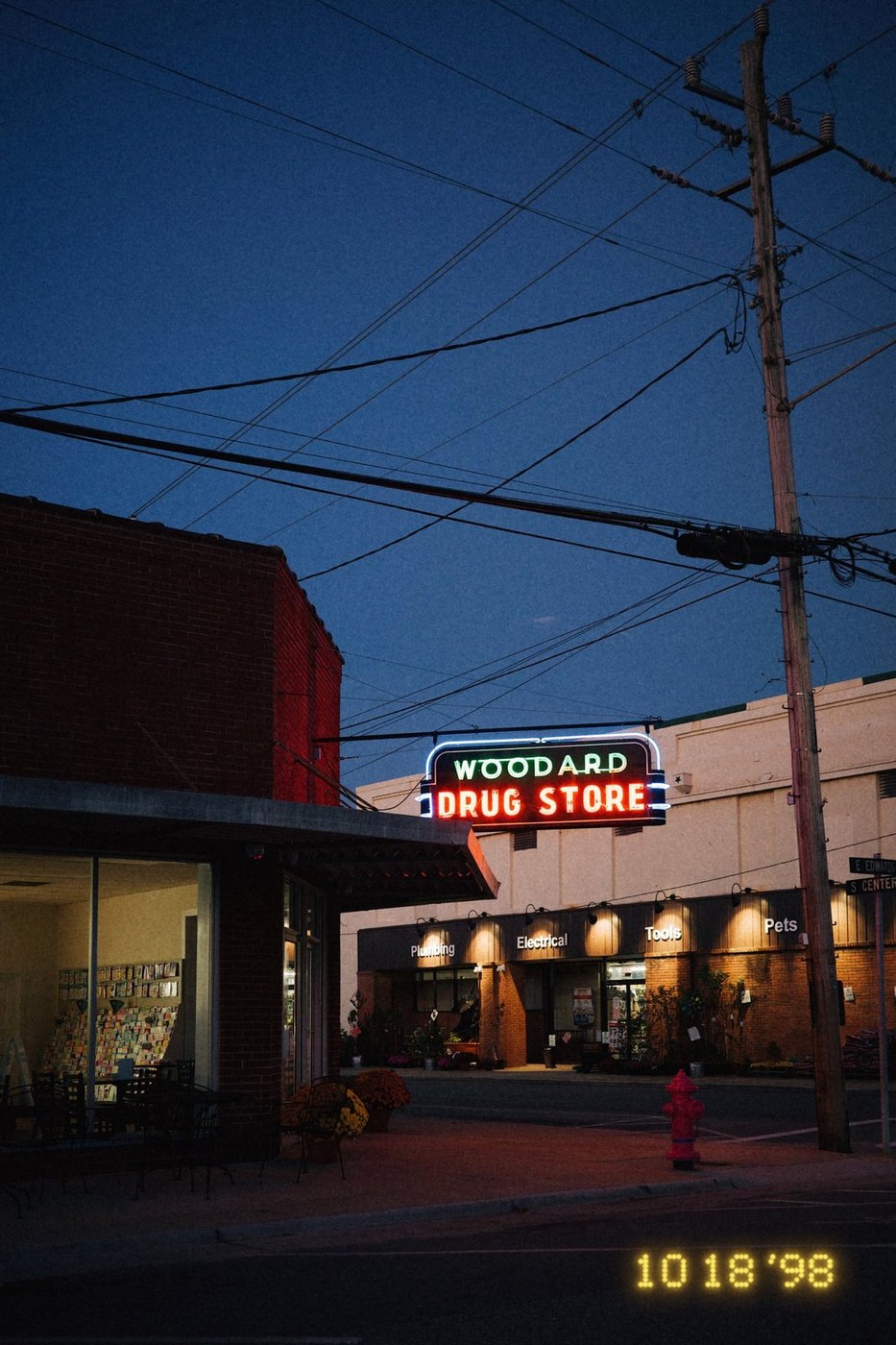
The date a film camera burned into the corner of each frame. Printform draws it as light hitting the negative, so it glows over dark areas and almost disappears on bright ones.
Pick dot matrix or seven-segment. It uses the day each photo was taken, or a date you choose.
Built for iPhone Duo
Folded, you get one tool at a time under a big preview. Unfold, and every control lays out beside the photo.
Haptics you can feel
Custom haptics for every shuffle, swap and save, and a grease pencil you can feel drag across the paper.
Your photos stay on your phone.
Everything happens on your iPhone. There's no account to make and nothing to upload.
- No account or sign-up
- No analytics or tracking
- Saves to Photos with your camera and date info intact
- Read the privacy policy

Make more of your photos.
Printform is coming soon to the App Store.
Coming soon